Design Submission Guidelines
After creating your design, and generating mockup you can now process your order
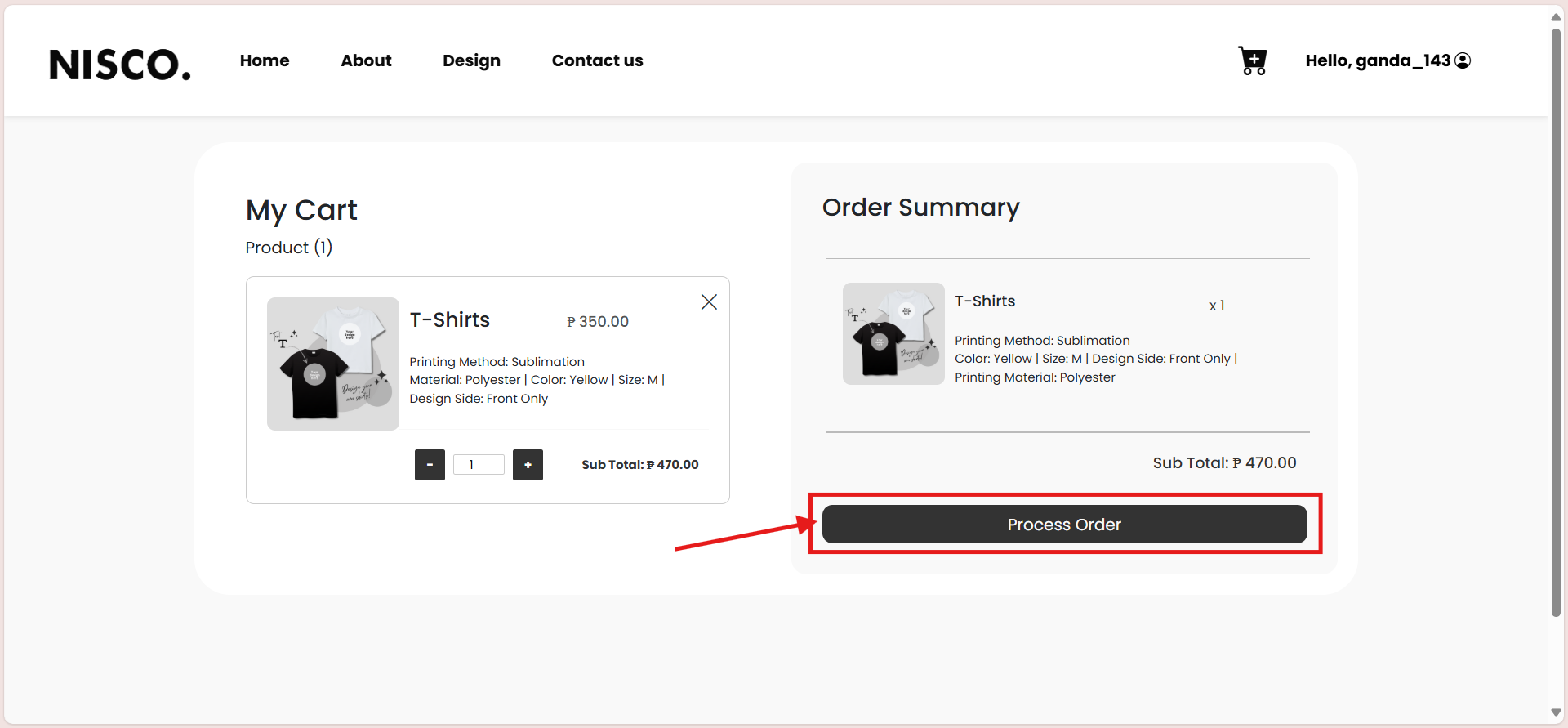
- Step 1: Click the cart icon to see the products that are in your cart
- Step 2: Now you are inside the cart, click the 'Process order' button. Make sure you choose the right product to check out.
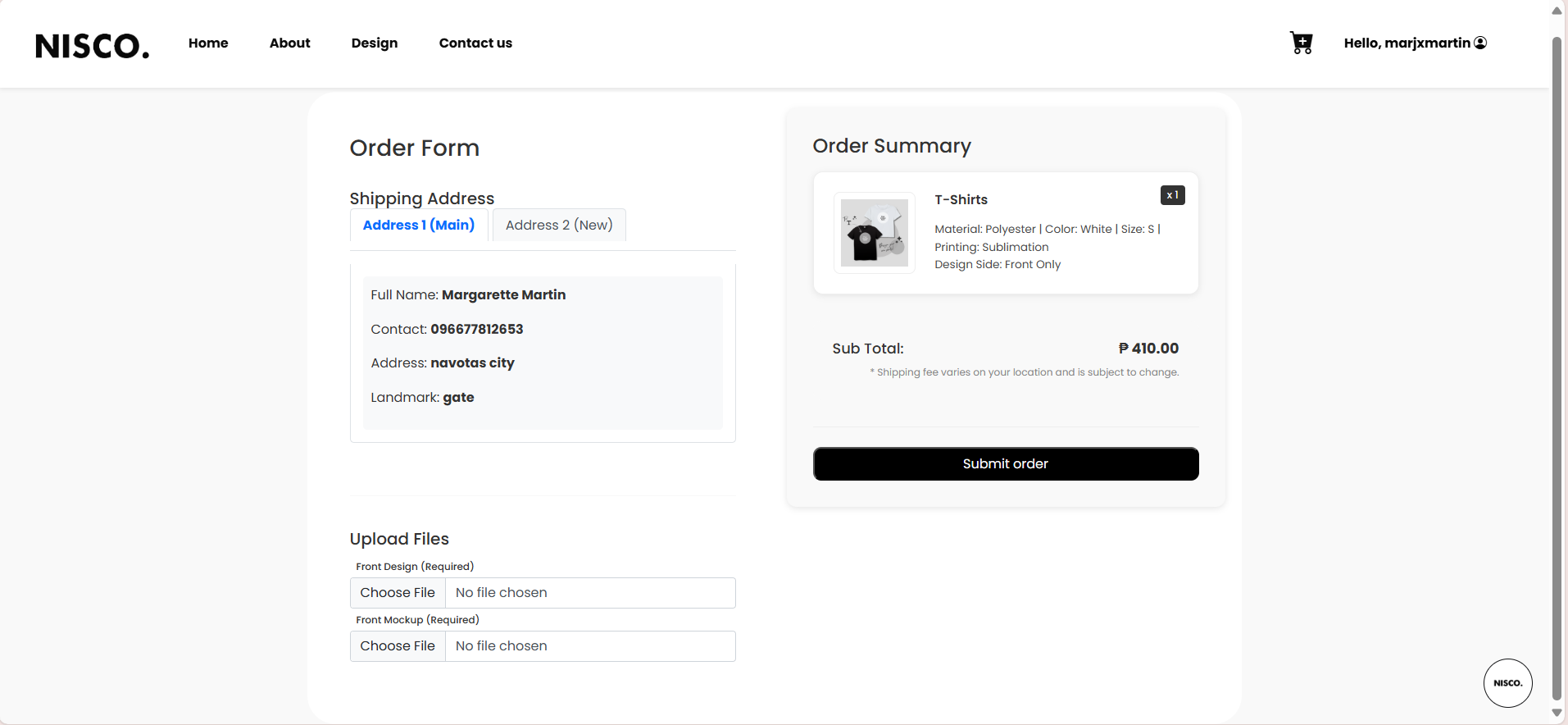
- Step 3: Double check shipping information, then upload the created design and mockup from your devices.

Now that you successfully processed your order, you can now check and monitor the status of your order:
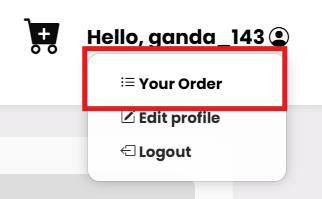
- Step 1: Under your username, click 'Your order'
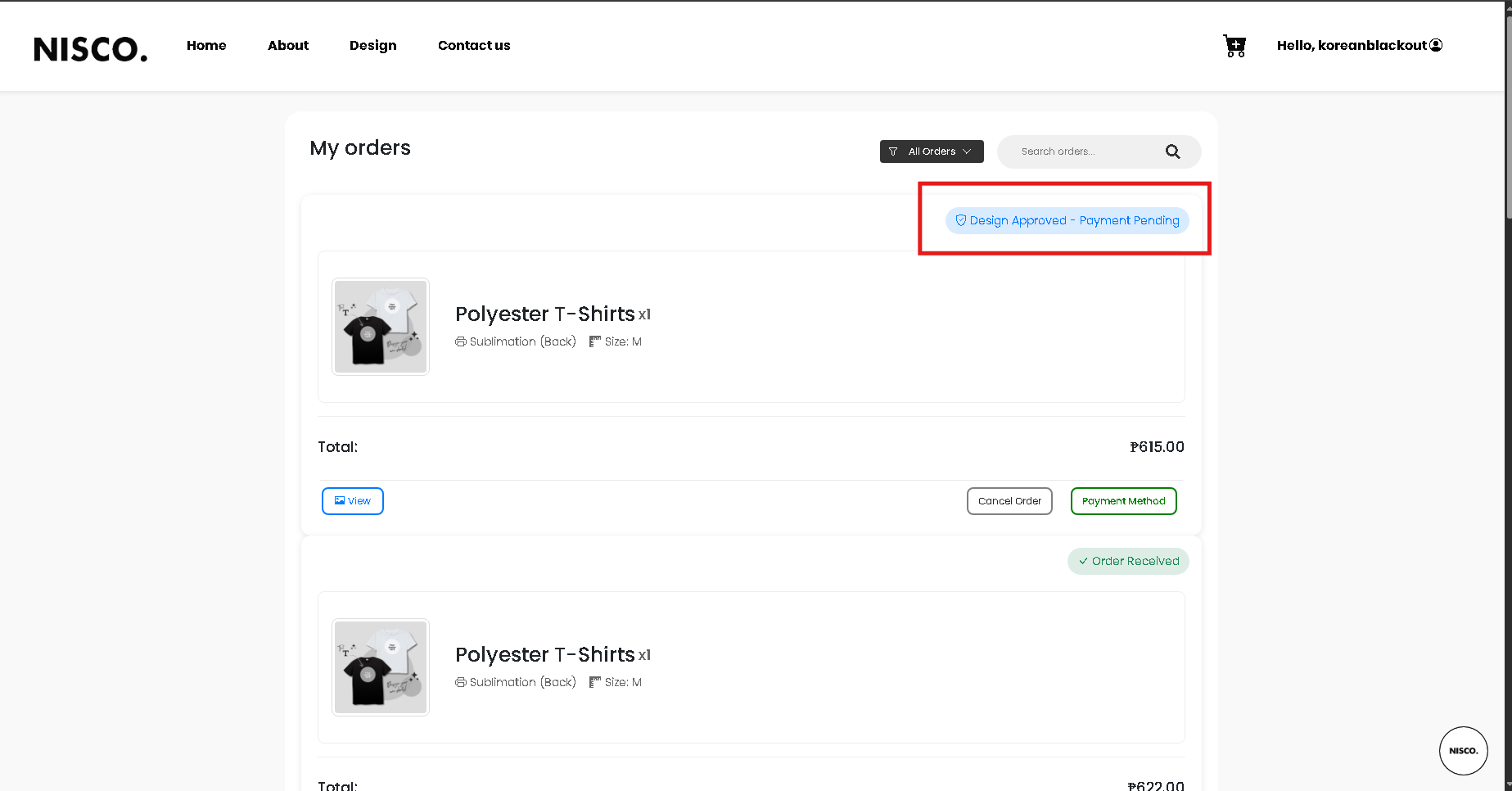
- Step 2: Now you can see the status of your order.